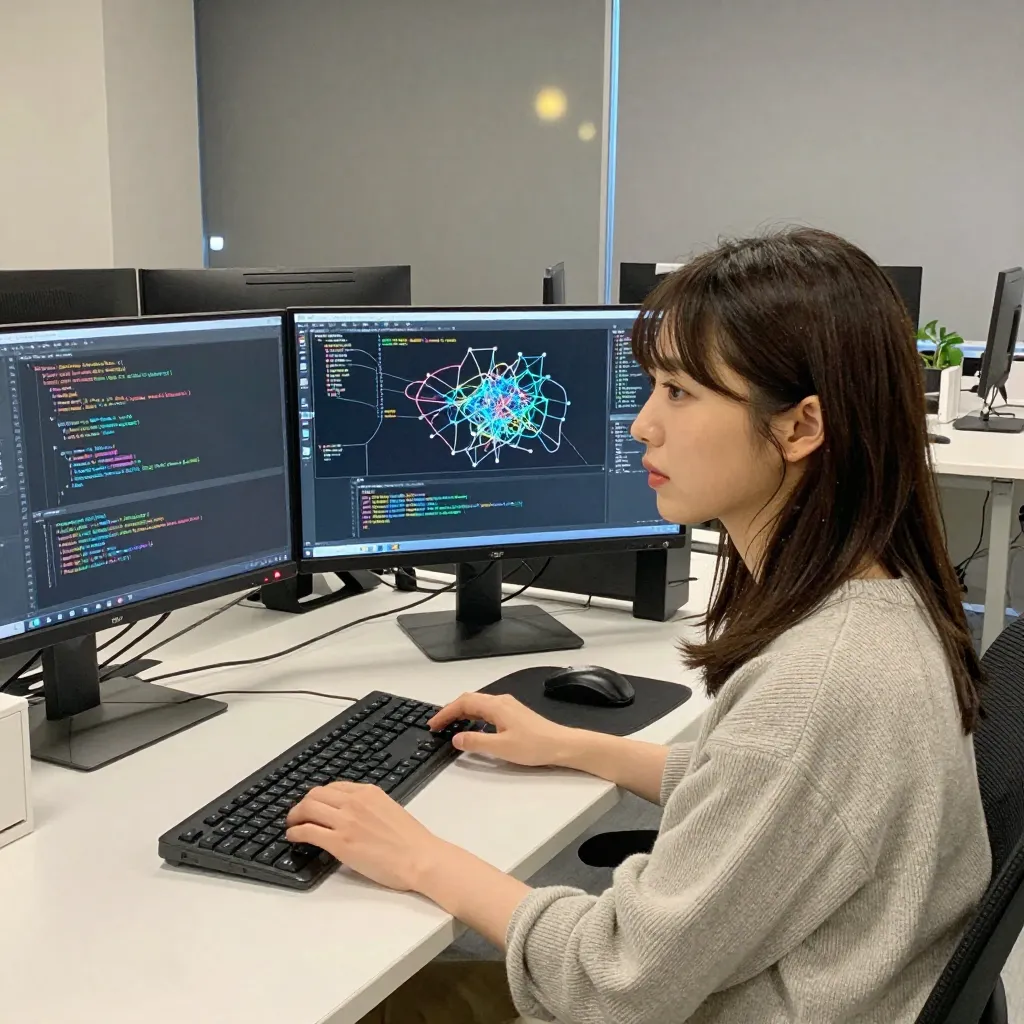
Once you understand the basics of LoRA, the next step is creating your own. This guide walks you through training a LoRA for Z-Image Turbo using Ostris AI Toolkit, from dataset preparation to inference testing.
What You’ll Learn
- Required environment and setup for Z-Image Turbo LoRA training
- AI Toolkit installation steps
- Dataset preparation methods and best practices
- Training parameter configuration and execution
- Using trained LoRAs in ComfyUI
- Measured timings on Apple Silicon (MPS)
Prerequisites
- Understanding of LoRA basics
- Basic ComfyUI operation skills
- Basic terminal/command line familiarity
Key Concepts for Z-Image Turbo LoRA Training
Why Training Adapter Is Needed
Z-Image Turbo is a distilled model. While standard models require 20-50 steps to generate an image, Z-Image Turbo is optimized to generate in just 8 steps.
This distillation is efficient, but it creates a problem for LoRA training. Training a LoRA directly on a distilled model breaks the fast generation capability acquired through distillation. This is called “Turbo Drift.”
The Training Adapter solves this by temporarily reversing the distillation effect during training. At inference time, you remove the adapter and use only the LoRA.
Training Approaches
| Method | Inference Speed | Difficulty | Notes |
|---|---|---|---|
| Turbo + Training Adapter v2 | 8 steps (fastest) | Low | Recommended for beginners. Most popular |
| De-Turbo model training | 20-30 steps | Medium | No adapter needed. Better for extended fine-tuning |
| Base model training | High quality but slower | High | Best likeness according to community reports |
This guide uses the most common Turbo + Training Adapter v2 approach.
Environment Setup
Requirements
| Item | Minimum | Recommended |
|---|---|---|
| GPU (NVIDIA) | 12GB VRAM (assumes 8-bit quantization) | 24GB VRAM |
| GPU (Apple Silicon) | 64GB unified memory (MPS doesn’t support quantization) | 64GB unified memory |
| Python | 3.10+ | 3.10-3.11 |
| PyTorch | 2.0+ | 2.8+ (MPS support) |
| Disk | 50GB | 100GB+ |
Required Models
| Model | Size | Purpose |
|---|---|---|
| Z-Image Turbo BF16 | ~12GB | Base model |
| Training Adapter v2 | ~324MB | De-distillation adapter |
| Qwen 3 4B | included | Text encoder |
| VAE (ae.safetensors) | included | Image encode/decode |
If Your Local GPU Doesn’t Have Enough VRAM
Training without quantization needs roughly 20GB+ on an NVIDIA GPU or 64GB+ unified memory on Apple Silicon. On 12GB-class NVIDIA GPUs, 8-bit quantization (quantize: true) is a prerequisite. If your machine doesn’t meet these requirements, you can rent a cloud GPU by the hour to run the training.
Cloud GPU services like RunPod let you spin up an instance with 24GB+ VRAM for only as long as you need it. You can shut the instance down once training finishes, which means you can experiment with multiple configurations without buying a high-end GPU.
AI Toolkit Setup
Download Training Adapter v2:
Setup Timings (Measured)
| Step | Time |
|---|---|
| AI Toolkit clone | ~10 sec |
| pip install | ~20 sec (depends on dependencies) |
| Training Adapter v2 download | ~5 sec (depends on connection) |
| Total | ~35 sec |
Dataset Preparation
Image Requirements
The quality of your LoRA depends entirely on your dataset.
| Purpose | Recommended Count | Notes |
|---|---|---|
| Minimum test | 5-15 images | For verification only |
| Style training | 30-120 images | ~45 is a good balance |
| High-quality character | 70-80 images | Reproduces skin texture |
Dataset rules:
- Resolution: 1024px+ recommended (512px works but lower quality)
- Diversity: Include different poses, angles, expressions, backgrounds
- Consistency: Keep the learning target (subject identity, etc.) consistent
- Backgrounds: For character LoRAs, vary the backgrounds
- Avoid: Blurry, low-res, watermarked, or multi-subject images
Composition Distribution (Character LoRA)
| Framing | Proportion | Reason |
|---|---|---|
| Close-up (face-centered) | 40-50% | Prioritize facial features |
| Medium shot (upper body) | 30-40% | Learn body type and clothing |
| Full body | 10-20% | Overall proportions |
Creating Captions
Create a text file (.txt) with the same name for each image.
datasets/
└── my_dataset/
    ├── image1.jpg
    ├── image1.txt  ← "sks dog, a photo of a cute shiba inu dog"
    ├── image2.jpg
    ├── image2.txt
    └── ...
The trigger word (e.g., sks) should be a unique string that doesn’t conflict with existing vocabulary. Include it in all captions to activate the LoRA effect during inference.
Training Configuration
YAML Config
AI Toolkit manages training settings via YAML files. Template for Z-Image Turbo:
Key Parameters
| Parameter | Recommended | Description |
|---|---|---|
linear (Rank) | 8-16 | LoRA rank. Higher = more expressive but larger file |
lr | 1e-4 to 5e-5 | Learning rate. Too high = overfitting, too low = underfitting |
steps | 3,000-5,600 | Total steps. Adjust based on dataset size |
batch_size | 1-2 | Use 1 for small datasets |
optimizer | adamw8bit | Memory efficient. Use adamw for Apple Silicon |
resolution | [512, 768, 1024] | Multi-resolution bucketing for size variety |
cache_latents_to_disk | true | Cache VAE encodings for speed |
gradient_checkpointing | true | Required for VRAM savings (24GB or less) |
Apple Silicon (MPS) Notes
When running AI Toolkit on Apple Silicon MPS, these config changes are needed:
device: Change tomps:0optimizer:adamw(adamw8bit is CUDA-only)quantize:false(MPS doesn’t support quantization; 64GB unified memory allows unquantized training)num_workers:0(add to dataset config; MPS tensors don’t support multiprocess sharing)
Running Training
When training starts, the following steps execute in order:
- Model loading: Load transformer, text encoder, and VAE
- Training Adapter merge: Integrate the de-distillation adapter
- LoRA network creation: Build training network at specified rank
- Latent caching: Save VAE-encoded dataset images to disk
- Training loop: Execute training for the specified number of steps
Monitoring Training
Monitor loss values in the logs. Normal training shows a gradual decrease in loss.
Measured Results: 100 Steps with 5 Training Images
We ran 100 steps of training on Apple Silicon M4 Pro (64GB) and performed the following verification.
Loss trend: Average loss for first 20 steps was 0.383, last 20 steps was 0.383. No significant loss decrease was observed at 100 steps. Per-step variance was large (0.21-0.60).
LoRA weight changes: LoRA B matrices (initialized at 0) moved to a mean norm of 0.16, confirming that gradient updates did occur.
Inference impact: Comparing images generated with the same prompt and seed, with and without LoRA, 98% of pixels showed differences. However, the mean difference was only 3.4/255 — the composition and subject were identical, with only subtle texture and color tone changes.
Conclusion: 5 images and 100 steps are sufficient to verify the pipeline works, but not enough to learn subject identity (e.g., steering toward the training data’s Shiba Inu). For practical LoRAs, we recommend at least 15+ images and 1,000+ steps.
Signs of overfitting:
- Extremely low loss values
- Sample images identical to training data
- No response to prompt changes
Solutions: Reduce steps, lower learning rate, add more data.
Measured Training Speed (Apple Silicon M4 Pro, 64GB)
| Process | Time |
|---|---|
| Model loading | ~20 sec |
| Training Adapter merge | ~2 sec |
| Text encoder loading | ~1 sec |
| Latent caching (5 images × 3 resolutions) | ~15 sec |
| Per step | ~25 sec (512-1024px mixed) |
| 100 steps | ~42 min |
| 500 steps | ~3.5 hours |
| 3,000 steps | ~21 hours |
With an NVIDIA RTX 4090, expect ~10-15 seconds per step, completing 3,000 steps in roughly 8-12 hours.
Using Trained LoRAs
ComfyUI Inference
After training completes, place the .safetensors file from the output directory into ComfyUI’s models/loras/.
ComfyUI workflow structure:
UNETLoader (Z-Image Turbo)
  ↓ MODEL
LoRA Loader (trained LoRA)
  ↓ MODEL              ↓ CLIP
  KSampler ← CLIPTextEncode (prompt with trigger word)
  ↓ LATENT
VAEDecode → SaveImage
Strength Adjustment
- LoRA strength: Start at 0.5-0.8 and adjust
- If too strong causes artifacts, reduce to ~0.5
- If too weak shows no effect, increase to 0.9-1.0
Stacking with Existing LoRAs
Multiple LoRAs can be combined:
Style LoRA (0.6) + Character LoRA (0.3) = Total 0.9
Keep total weight below 1.0 for best results.
Troubleshooting
Common Issues
| Issue | Cause | Solution |
|---|---|---|
| Only generates training images | Overfitting | Reduce steps. Lower LR. Add more data |
| LoRA has no visible effect | Undertrained | Increase steps. Raise LR |
| Black/noisy samples | Config error | Verify cfg=1, steps=8 |
| MPS DataLoader error | Multiprocess unsupported | Set num_workers: 0 |
| Out of Memory | Model too large | Set quantize: true, lower resolution |
Useful Resources
- Training a LoRA for Z-Image Turbo with AI Toolkit - HuggingFace Blog
- ostris/ai-toolkit - GitHub
- Training Adapter v2 - HuggingFace


![[Verified] Image Generation Prompt Best Practices](/tips/prompt-best-practices/cover_0_0000_4517457392071889496.webp)