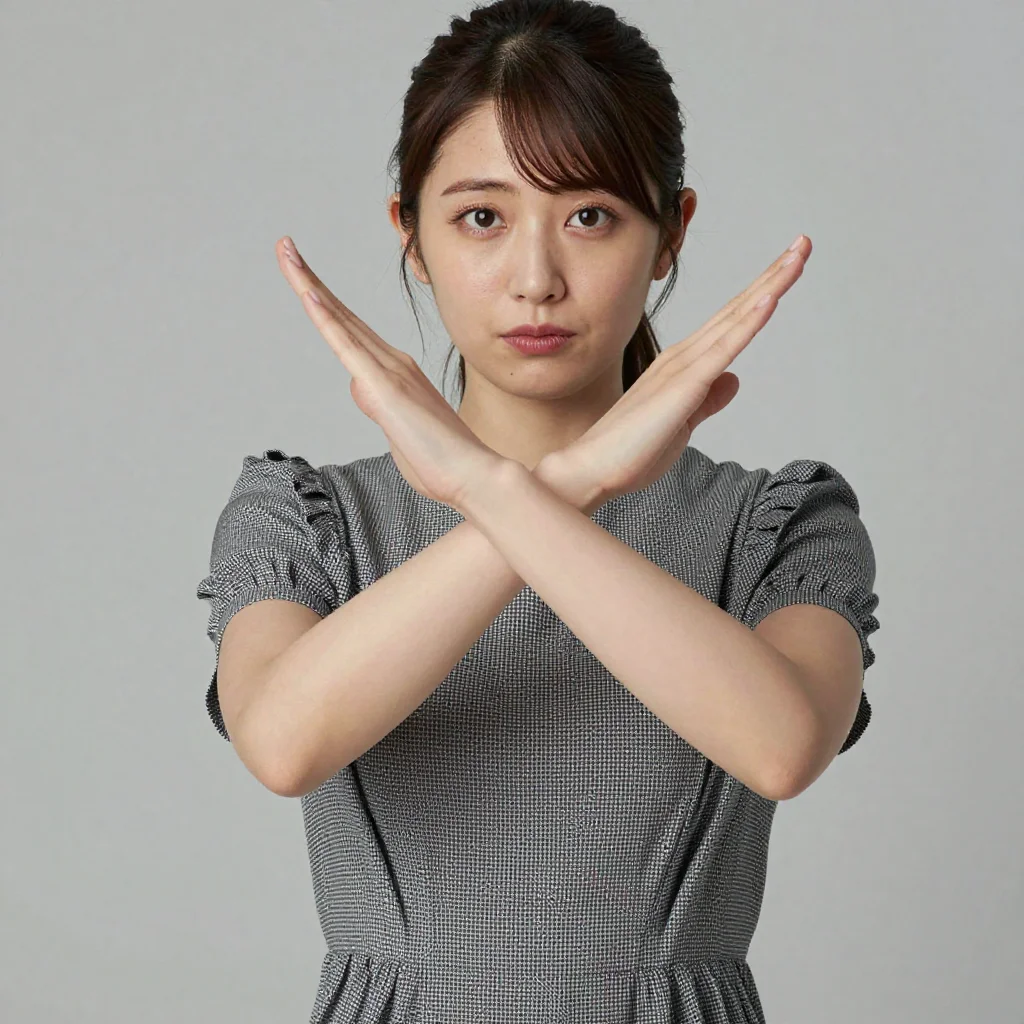
Important Notice for z-image-turbo Users
Negative prompts do not work in z-image-turbo.
z-image-turbo operates at CFG=1.0 as a distilled model. Negative prompts rely on the Classifier-Free Guidance (CFG > 1.0) mechanism — at CFG=1.0, whatever you write in the negative prompt has no effect on the image.
To improve image quality in z-image-turbo, optimizing positive prompts is effective rather than negative prompts. See prompt best practices for details.
The explanations below are provided as general knowledge for models operating at CFG > 1.0 (standard Stable Diffusion models, etc.).
How Negative Prompts Work
The Principle of Classifier-Free Guidance
Negative prompts operate via the Classifier-Free Diffusion Guidance mechanism.
At each sampling step (image generation), the model makes two predictions:
- Prediction based on the positive prompt (“move toward this”)
- Prediction based on the negative prompt (“move away from this”)
The final denoising direction is determined by amplifying the difference between these two predictions by the CFG value:
final direction = negative prediction + CFG × (positive prediction − negative prediction)
When CFG=1.0, this formula reduces to just “positive prediction,” and the negative prompt term disappears entirely. This is why negative prompts don’t work in z-image-turbo.
In Short
- CFG > 1.0 models: Negative prompts function as “repulsion”
- CFG = 1.0 models (z-image-turbo etc.): Negative prompts are ignored
Category-by-Category Standard Phrase Collection (For CFG > 1.0 Models)
The following are standard phrases for models operating at CFG > 1.0, such as standard Stable Diffusion models.
Quality
| Phrase | Effect |
|---|---|
worst quality | Avoids lowest-quality images |
low quality | Avoids low quality in general |
blurry | Avoids out-of-focus images |
jpeg artifacts | Avoids block noise from JPEG compression |
noise, grainy | Avoids noise and grain |
Body (for images of people)
| Phrase | Effect |
|---|---|
deformed | Avoids general shape distortion |
bad anatomy | Avoids incorrect human body structure |
bad proportions | Avoids unbalanced body proportions |
extra limbs | Avoids extra hands and feet |
extra/missing/fused fingers | Avoids finger count and fusion abnormalities |
mutated hands | Avoids hand shape abnormalities |
Composition
Text and Watermarks
Style (as preferred)
Combining with Emphasis Syntax (For CFG > 1.0 Models)
Emphasis syntax can also be used in negative prompts.
- Quality at 1.4: Highest priority
- Body at 1.3: Second most important
- Others at 1.0 (default): Supplementary
Emphasizing everything reduces relative differences, weakening the overall effect. Balance is key.
Summary
| Model | CFG | Negative Prompts |
|---|---|---|
| z-image-turbo | 1.0 | Don’t work → Optimize positive prompts instead |
| Standard Stable Diffusion models | 7.0–12.0 | Effective. Include quality + body phrases |
For improving image quality in z-image-turbo, optimize positive prompts following prompt best practices rather than using negative prompts.
Related Articles
⚠ 関連記事が見つかりません: /en/tips/prompt-best-practices
⚠ 関連記事が見つかりません: /en/tips/prompt-basics
⚠ 関連記事が見つかりません: /en/papers/classifier-free-diffusion-guidance
![[Tested] Can You Generate Kuchisake-onna? Mask On/Off Pairs and 3 Slit-Mouth Phrasings on the Same Seed](/tips/kuchisake-onna-mask-expression-test/c01_lacer_s1.webp)
![[Tested] Can You Generate Yuki-onna? Pale Skin, Visible Cold Breath, and a Loosened White Juban](/tips/yuki-onna-pale-skin-test/b01_juban_s2.webp)
![[Tested] Can You Generate a Hachishaku-sama-Style Tall Woman? Testing extremely tall, 8 feet tall, and Low Angle](/tips/hachishaku-sama-height-test/c04_minireal_s2.webp)
![[Tested] 15 Ero-Horror Combo Recipes — Do the Best Elements From 5 Articles Stack?](/tips/horror-combo-recipes/c11_vampire_candle_s1.webp)
![[Tested] 15 Ghost & Zombie Styling Prompts — Which Ones Turn a Beauty Inhuman Without Breaking Her?](/tips/inhuman-styling-test/z04_cloudy_eyes_s1.webp)