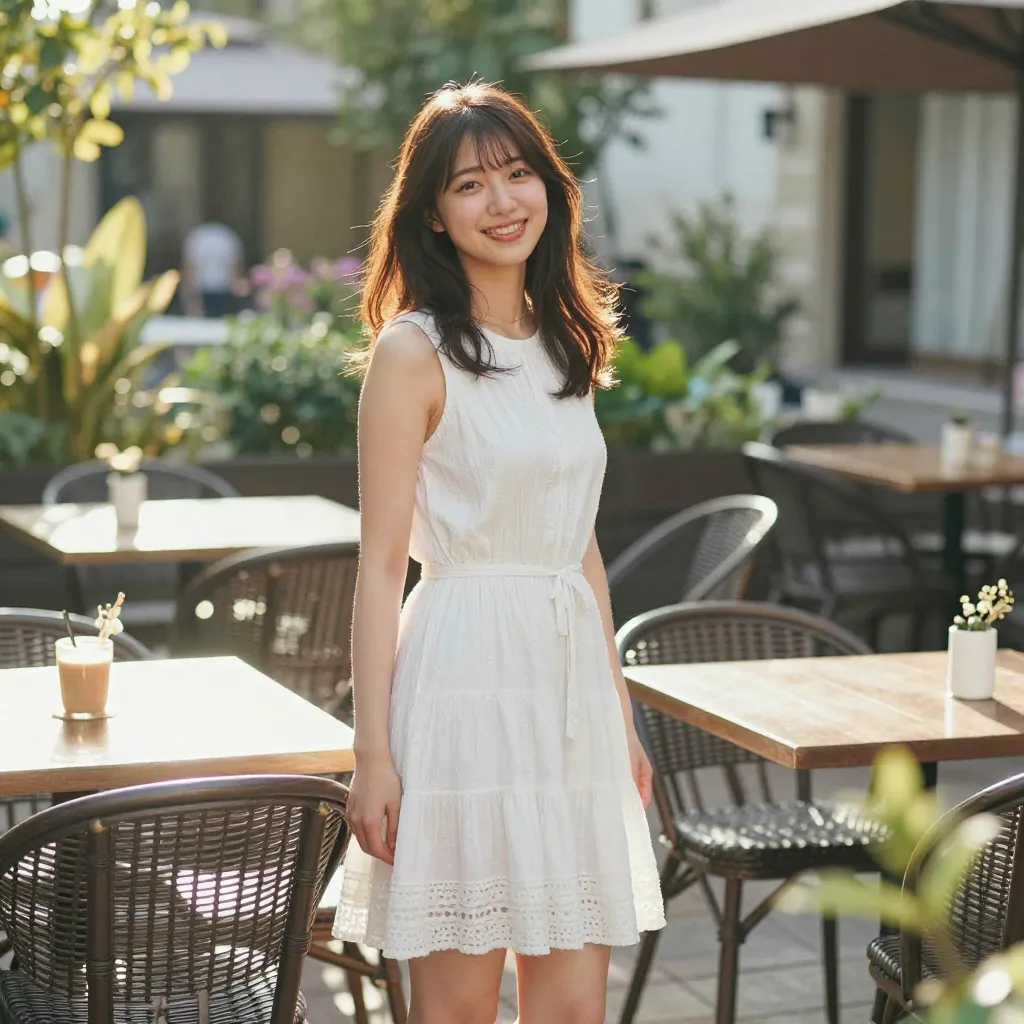
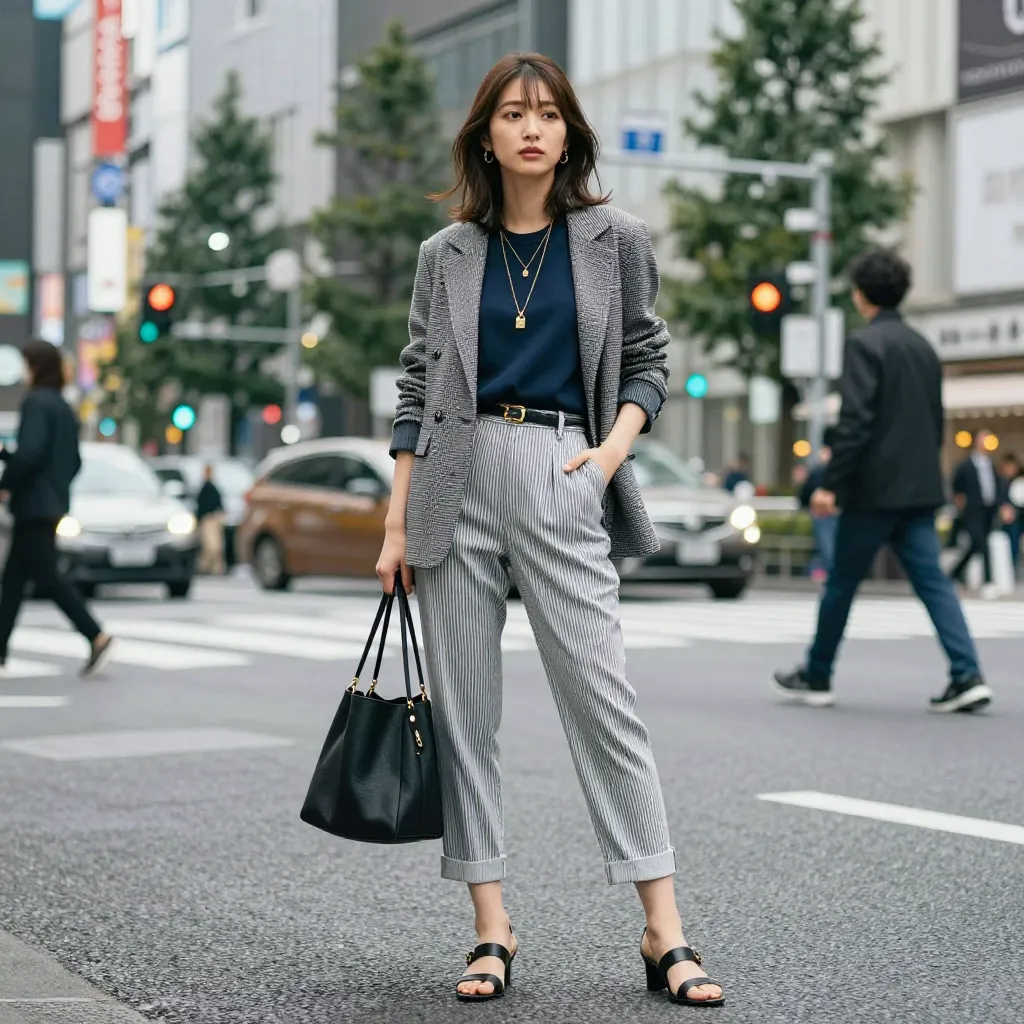
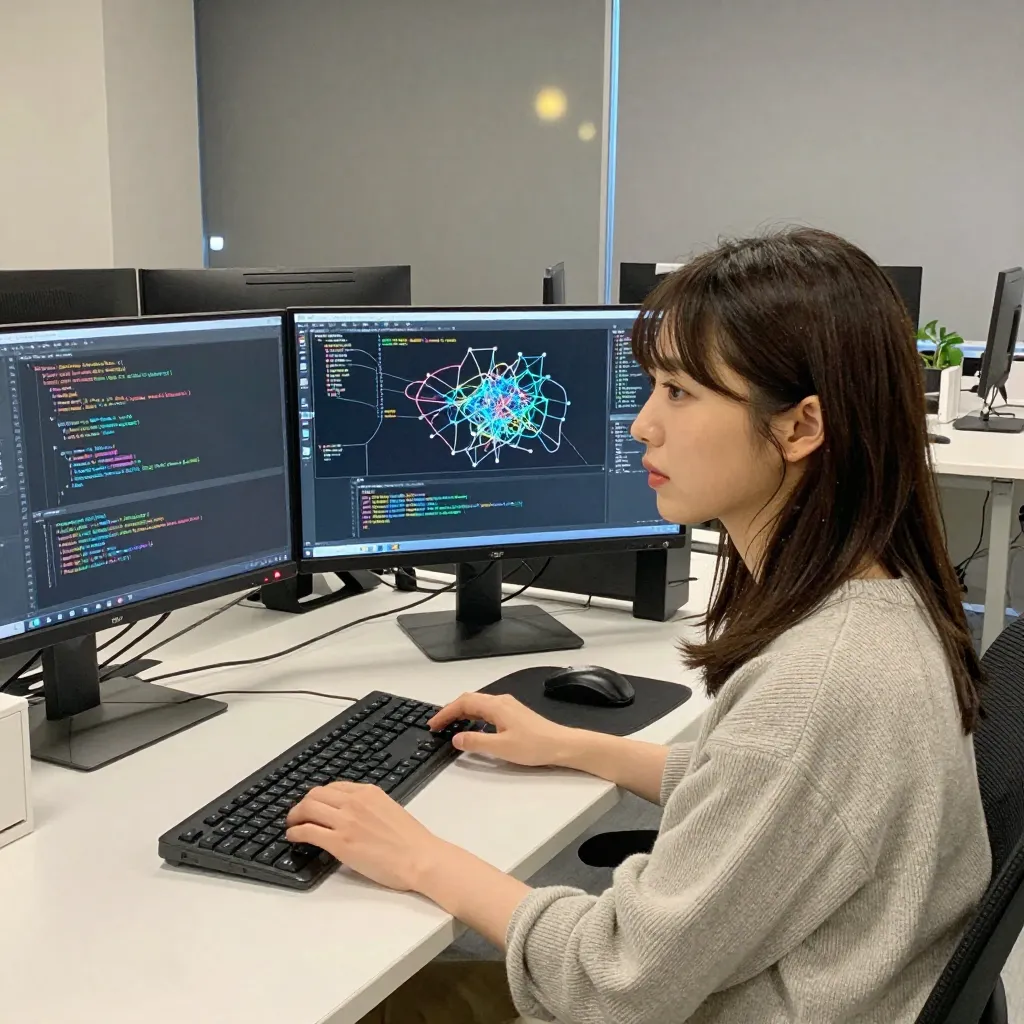
Among the many AI image generation models out there, z-image-turbo stands out with two key strengths — “speed” and “NSFW support” — making it the ideal model for generating realistic human images in particular.
This article explains why to choose z-image-turbo, comparing it against other models.
Features of z-image-turbo
1. Overwhelmingly Fast
z-image-turbo’s biggest feature is generation speed.
The following is a rough guide for generating one 1024×1024 image on an RTX 4090 (24GB VRAM):
| Model | Generation time per image (approx.) | Required steps |
|---|---|---|
| z-image-turbo | ~3–5 seconds | 8 steps |
| SDXL | 15–30 seconds | 20–30 steps |
| Flux.1 dev | 20–40 seconds | 20–30 steps |
| Stable Diffusion 1.5 | 5–15 seconds | 20–30 steps |
Generation time varies greatly by GPU performance and image size. GPU VRAM 8GB class will take approximately 2–5× longer.
Being able to generate high-quality images in just 8 steps means you can iterate through prompt experiments rapidly.
For work that involves repeatedly “changing the prompt slightly and trying again,” 3 seconds per image vs 30 seconds per image is a completely different experience. Over 10 attempts, that’s 30 seconds vs 5 minutes.
2. Supports NSFW Image Generation
When you want to generate NSFW (Not Safe For Work) images, the first choice is cloud service vs local execution.
Cloud services like DALL-E 3 (OpenAI) and Midjourney prohibit NSFW content generation in their terms of service. Therefore, generating NSFW content requires running models yourself on a local PC or cloud GPU.
Additionally, even among locally-runnable models, NSFW support varies by model.
| Category | Service/Model | NSFW Support |
|---|---|---|
| Cloud service | DALL-E 3 (OpenAI) | Completely prohibited |
| Cloud service | Midjourney | Prohibited |
| Local model | z-image-turbo | Unrestricted |
| Local model | Stable Diffusion (official) | Depends on model (license restrictions) |
| Local model | Flux.1 schnell | With safety filter |
z-image-turbo has no safety filter, and the license (Apache 2.0) contains no explicit prohibition on NSFW, making it highly expressive. It can handle a wide range from realistic human images to artistic works.
3. Excels at Realistic Japanese Women
z-image-turbo excels at photorealistic human images, particularly Asian women’s portrayal. Natural skin texture and Japanese facial features are stably generated in output images, with strong depiction of hair and facial expressions.
Lineage of AI Image Generation Models
To understand z-image-turbo, let’s first organize the lineage of AI image generation models.
Stable Diffusion family (LDM family)
A family of models based on Latent Diffusion Models (LDM).
2022  Stable Diffusion 1.x  ← LDM paper (Rombach et al.)
  ↓   U-Net + CLIP + VAE
2023  Stable Diffusion 2.x  ← Changed to OpenCLIP
  ↓
2023  SDXL                  ← Larger U-Net + CLIP×2 dual encoder
  ↓
2024  Stable Diffusion 3    ← Migrated to MMDiT (Transformer-based)
Technical features:
- U-Net for denoising (SD 1.x–SDXL)
- CLIP text encoder to vectorize prompts
- Classifier-Free Diffusion Guidance (CFG) to control text adherence
- Diffusion process executed in latent space
Flux family
A next-generation model announced in 2024 by Black Forest Labs, founded by the original Stable Diffusion authors (Robin Rombach, Andreas Blattmann, Patrick Esser).
2024  FLUX.1 [pro]     ← API only, highest quality
      FLUX.1 [dev]     ← Non-commercial, guidance distillation
      FLUX.1 [schnell] ← Apache-2.0, timestep distillation (4 steps)
Key technical advances over SD family:
| Element | Stable Diffusion (1.x–SDXL) | FLUX.1 |
|---|---|---|
| Denoiser | U-Net (CNN) | MMDiT (Transformer) |
| Text encoder | CLIP only | CLIP + T5 (dual) |
| Diffusion method | Diffusion (DDPM) | Flow Matching |
| Parameter count | ~2.6B (SDXL) | 12B |
| Text understanding | 75-token limit | 512 tokens supported |
Flow Matching is an improved version of the traditional Diffusion process that learns more efficiently from noise to clean image. If Diffusion is a “random walk,” Flow Matching learns a “shortest path close to a straight line.”
The addition of the T5 text encoder enables understanding of long prompts beyond CLIP’s 75-token limit.
z-image-turbo’s Position
z-image-turbo is a 6B-parameter realism-focused model with the following characteristics:
- Distilled model capable of high-quality generation in 8 steps
- Operates at CFG=1.0 (guidance is built into the model)
- No NSFW restrictions
- English and Chinese support
- Reference image guidance support (Z-Image Base)
Distillation is a technique that transfers knowledge from a large model into a compact one. z-image-turbo needs only 8 steps because the original model’s inference capability has been compressed through distillation. The same principle allows Flux.1 schnell to operate in 4 steps.
Model Selection Guide
"Want to quickly generate realistic images"
  → z-image-turbo (8 steps, NSFW supported)

"Pursuing the highest image quality"
  → FLUX.1 dev (50 steps, 12B parameters)

"Want open-source with free customization"
  → SDXL (rich LoRA/FineTune ecosystem)

"Want to run locally with low resource requirements"
  → SD 1.5 family (low VRAM support)
Comprehensive Comparison with Other Models
Basic Performance
| Comparison | z-image-turbo | SDXL | Flux.1 dev | SD 1.5 |
|---|---|---|---|---|
| Generation speed | ◎ (8 steps) | △ (20-30 steps) | △ (50 steps) | ○ (20-30 steps) |
| Image quality | ○ | ◎ | ◎ | △ |
| NSFW support | ◎ | ○ (model-dependent) | △ (license restriction) | ○ (model-dependent) |
| Realistic people | ◎ | ○ | ○ | △ |
| Required VRAM | Medium | High (6GB+) | Very high (~50GB) | Low (4GB+) |
| Parameter count | 6B | 2.6B | 12B | 0.9B |
Architecture
| Comparison | z-image-turbo | SDXL | Flux.1 dev | SD 1.5 |
|---|---|---|---|---|
| Text encoder | — | CLIP×2 | CLIP + T5 | CLIP |
| Denoiser | — | U-Net | MMDiT | U-Net |
| Diffusion method | — | Diffusion | Flow Matching | Diffusion |
| ComfyUI support | ◎ | ◎ | ◎ | ◎ |
| LoRA ecosystem | Few | ◎ (very abundant) | Growing | ◎ (very abundant) |
Negative Prompt & img2img Support
This is an often-overlooked but important point in model selection.
| Feature | z-image-turbo | SDXL | Flux.1 dev | Flux.1 schnell | SD 1.5 |
|---|---|---|---|---|---|
| Negative prompts | △ (see below) | ◎ | △ (see below) | × | ◎ |
| img2img | × (not supported) | ◎ | ◎ | ◎ | ◎ |
| Inpainting | × | ◎ | ◎ (Fill) | ◎ (Fill) | ◎ |
| ControlNet | × | ◎ | ○ (Canny, Depth) | ○ | ◎ |
Negative Prompt Support Status
Negative prompts are based on the Classifier-Free Diffusion Guidance (CFG) mechanism. For CFG to work, the model needs to be able to perform both conditional and unconditional predictions.
SD 1.5 / SDXL: Full support
Uses conventional CFG (guidance_scale = 7–12 or so). Negative prompts are used in place of unconditional prediction and clearly have effect. The reason negative prompts work most effectively in SD-family models is that this CFG mechanism operates straightforwardly.
Flux.1 dev: Limited
Flux.1 dev is a “guidance-distilled” model with CFG baked into the model itself through distillation (guidance_scale=3.5). Standard negative prompts basically don’t work. However, using the true_cfg_scale parameter in diffusers forces conventional CFG, enabling negative prompts (inference cost doubles).
Flux.1 schnell: Not supported
The model operates at guidance_scale=0 due to timestep distillation, so the CFG mechanism itself cannot be used. Negative prompts have no effect.
z-image-turbo: Doesn’t work at CFG=1.0
z-image-turbo is designed to operate at CFG=1.0. CFG=1.0 means “no guidance,” so negative prompts do not work. While it’s possible to set negative prompt fields in ComfyUI workflows, we have confirmed they have no effect on output.
img2img Support Status
img2img (generating new images based on existing images) is achieved by using input images with a small amount of noise added as the initial noise instead of random noise.
SD 1.5 / SDXL: Full support
The degree of change from the original image can be controlled with the denoise parameter (0.0–1.0). denoise=0.3 gives output close to the original; denoise=0.8 is nearly a new generation. Precise control combined with ControlNet (Canny, Depth, OpenPose, etc.) is also possible.
Flux.1: Supported
Provided as task-specific derivative models: Flux.1 Fill (Inpainting), Flux.1 Canny (structure control), Flux.1 Depth (depth control), Flux.1 Redux (image transformation), Flux.1 Kontext (image editing).
z-image-turbo: Not supported (txt2img only)
z-image-turbo only supports text-to-image generation (txt2img). img2img, Inpainting, and ControlNet are not available.
Comprehensive Model Selection Guide
Taking the above feature differences into account:
"Want to mass-produce realistic images quickly with txt2img"
  → z-image-turbo (best for speed + NSFW)

"Want to use negative prompts to refine quality"
  → SDXL (CFG works most effectively)

"Want to edit/process existing images (img2img, Inpainting)"
  → SDXL or Flux.1 Fill (z-image-turbo not supported)

"Want to control pose and composition with ControlNet"
  → SDXL (most mature ecosystem) or Flux.1 Canny/Depth

"Want to give detailed instructions with long prompts"
  → Flux.1 dev (T5 encoder, 512 tokens supported)

"Pursuing the highest image quality"
  → Flux.1 dev (12B parameters, but needs ~50GB VRAM)

"Want to run locally with low resource requirements"
  → SD 1.5 family (4GB VRAM+, abundant LoRAs)
Overall, z-image-turbo is a choice specialized for “fast txt2img generation,” “NSFW support,” and “realistic people.” For cases needing img2img or ControlNet, SDXL or Flux.1 will be used in combination.
License, Commercial Use, and Explicit Content
Checking the license is essential when using models. Models that simultaneously satisfy all three requirements of “commercial use OK,” “no NSFW restrictions,” and “negative prompt support” are actually very rare.
Models Meeting the Requirements
| Model | License | Commercial | NSFW restriction | Neg prompt | img2img | Notes |
|---|---|---|---|---|---|---|
| Z-Image (full) | Apache 2.0 | ◎ | Not stated | ◎ | Unconfirmed | Blog recommended. CFG 3.0–5.0, 28–50 steps |
| Z-Image Turbo | Apache 2.0 | ◎ | Not stated | △ (CFG=1.0) | × | Fast version. 8 steps |
| Kolors (Kuaishou) | Apache 2.0 + registration | △ (registration required) | Ambiguous | ◎ | ◎ | Commercial use requires application. UNet + ChatGLM3 |
Z-Image (full) is the full version of the same model family as Z-Image Turbo used on this blog. While Turbo specializes in 8-step fast generation through distillation, the full version performs inference at CFG 3.0–5.0 with 28–50 steps, and negative prompts work completely.
Models Not Meeting Requirements
Research into major models found that the following models fail to meet one or more of the three requirements:
| Model | Reason for ineligibility |
|---|---|
| SDXL | CreativeML OpenRAIL++-M. Commercial allowed but NSFW restriction interpretation is ambiguous |
| SD 1.5 | CreativeML OpenRAIL-M. Prohibits “non-consensual sexual content” |
| SD 3.5 | Revenue restrictions, negative prompts only partial |
| SDXL Turbo | Non-commercial license, negative prompts not supported |
| FLUX.1 dev | Non-commercial license (paid contract required), NSFW restriction + filter implementation mandatory |
| FLUX.1 schnell | Negative prompts not supported (CFG=0 distilled model) |
| FLUX.2 klein 4B | Negative prompts not supported |
| Qwen-Image | Negative prompts effectively not supported |
License Comparison Table
| Item | Z-Image | SD 1.5 | SDXL | Flux.1 dev | Flux.1 schnell |
|---|---|---|---|---|---|
| License | Apache 2.0 | OpenRAIL-M | OpenRAIL++-M | Non-Commercial | Apache 2.0 |
| Commercial use | ◎ | ◎ | ◎ | × | ◎ |
| NSFW restriction | None | △ | △ | × (filter required) | △ |
| Neg prompt | ◎ (full) / △ (turbo) | ◎ | ◎ | △ (possible with true_cfg) | × |
| Minor content | Strictly prohibited | Strictly prohibited | Strictly prohibited | Strictly prohibited | Strictly prohibited |
Common to all models: Generating sexual content involving minors is strictly prohibited by law regardless of license.
This Blog’s Choice
This blog recommends the Z-Image family:
- For rapid mass generation → Z-Image Turbo (8 steps, negative prompts limited)
- For pursuing quality → Z-Image full (28–50 steps, negative prompts fully supported)
Both use the Apache 2.0 license with no commercial use restrictions and no explicit prohibition on NSFW content.
Disclaimer: Interpretation of licenses does not constitute legal advice. When using commercially, verify the full text of each license and consult a legal professional if needed. Always comply with the laws of each country (obscenity laws, child pornography prohibition laws, etc.).
How to Use z-image-turbo
There are three main ways to use z-image-turbo.
Method 1: ConoHa AI Canvas (Recommended for Beginners)
A browser-only domestic service. No environment setup needed — you can start generating images with z-image-turbo immediately.
- From ¥990/month
- ComfyUI available
- Japanese UI
For detailed setup instructions, see the ConoHa AI Canvas Getting Started Guide.
Method 2: ComfyUI Workflow
With ComfyUI, you can fine-tune all parameters of z-image-turbo. We distribute workflows with negative prompt settings already configured.
→ z-image-turbo ComfyUI Workflow Distribution
Method 3: RunPod Serverless (For Advanced Users)
For advanced users who want API-based bulk generation and automation, setting up on RunPod Serverless is recommended.
For details, see the Complete Guide to Running z-image-turbo on RunPod Serverless.
Prompt Tips
Writing prompts well is important for generating good images with z-image-turbo.
Basic rules:
- Word order matters — elements written first are reflected most strongly
- Emphasis syntax —
(element:1.3)can emphasize specific elements - Negative prompts — remove unwanted elements to improve quality
For details, see Prompt Basics.
Generation Cost
Because z-image-turbo is fast, the cost per image is low, which is another appeal.
With ConoHa AI Canvas
| Plan | Monthly | Images | Per image |
|---|---|---|---|
| Entry | ¥990 | 500 | ~¥2 |
| Standard | ¥1,980 | 1,500 | ~¥1.3 |
With RunPod Serverless
GPU-time-based billing. Because z-image-turbo generates in 8 steps:
- About ¥0.5–1.5 per image (varies by GPU and instance size)
- Well-suited for bulk generation
For detailed cost comparison, see the Cloud GPU Comparison.
Summary
Reasons to choose z-image-turbo:
- Fast — 8 steps, ~3–5 seconds per generation. Rapid iteration through trial and error
- NSFW supported — No safety filter, high expressive freedom
- Realistic human portrayal — Particularly excels at Japanese women
- Low cost — Faster speed = shorter GPU time = lower cost
Next Steps
- Want to try it now → Start with ConoHa AI Canvas
- Want a workflow → ComfyUI Workflow Distribution
- Want to learn prompts → Prompt Basics
- Want to build your own environment → RunPod Serverless Guide
Reference Links
- z-image-turbo Official Site — Official documentation and download
- ComfyUI Official Repository — Node-based Stable Diffusion UI
- RunPod Official Site — Cloud GPU platform
- RunPod Documentation — Official Serverless API documentation
- ConoHa AI Canvas Official Site — Domestic AI image generation service