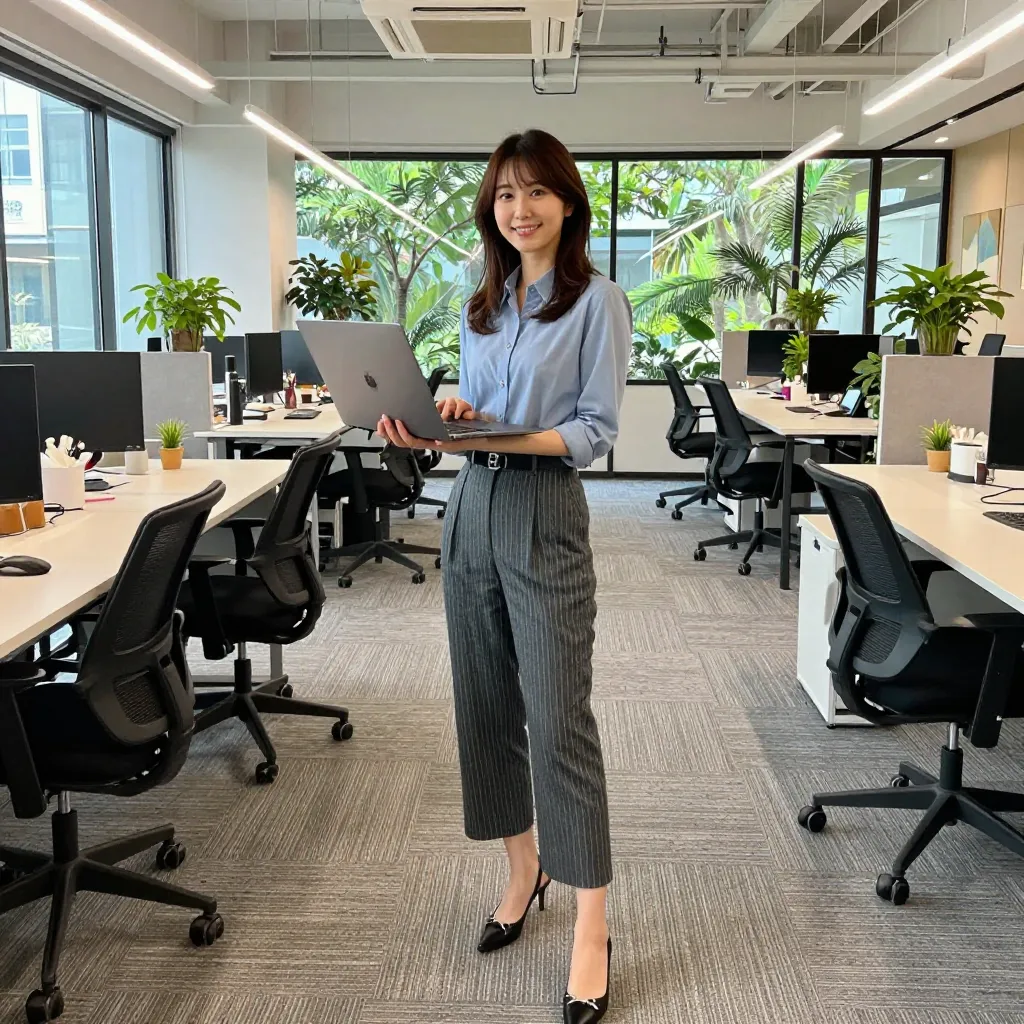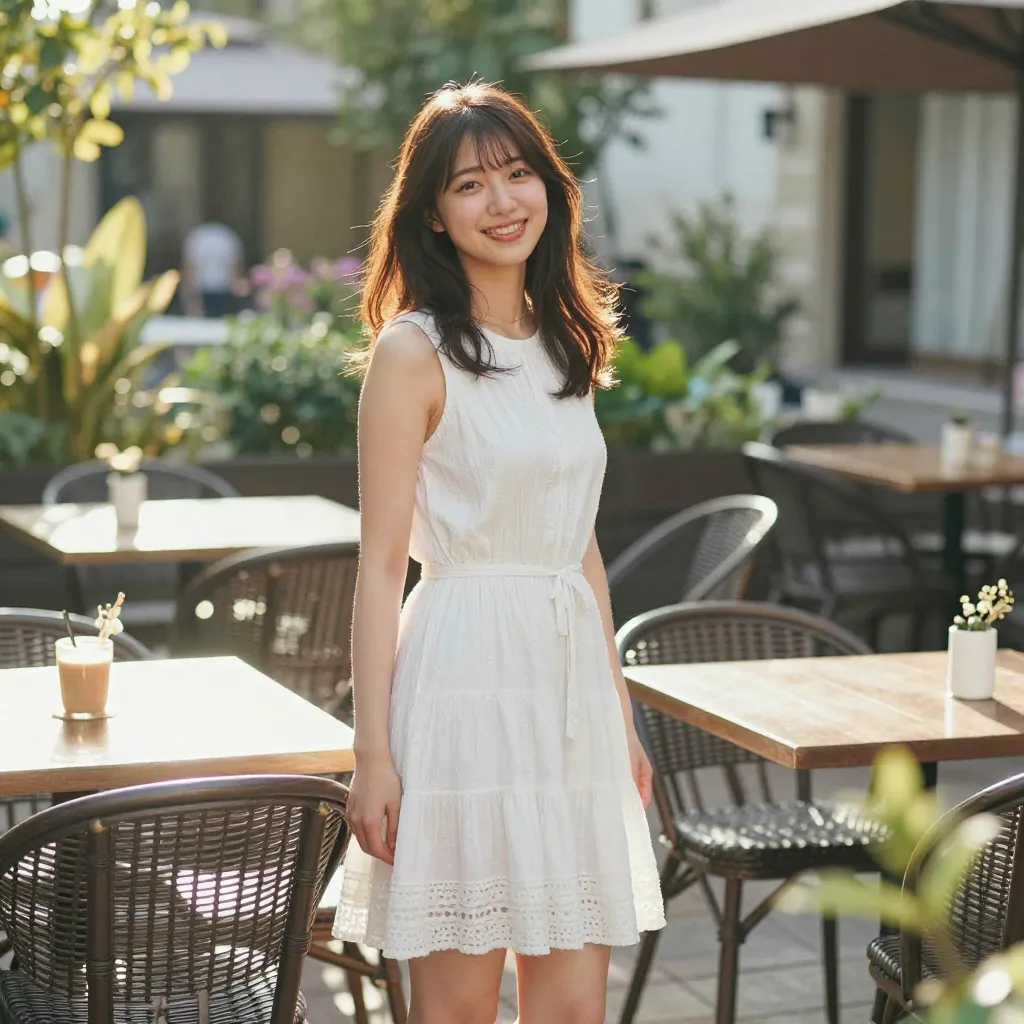
Looking at Search Console queries, terms like “z image turbo nsfw” and “z-image-turbo エロ” show up consistently. This blog has published over 200 prompt verification articles for z-image-turbo, so this post pulls together the results across those articles to summarize, with sources, how far NSFW expression actually goes.
For the model’s core specs and architecture, see the z-image-turbo review article. This post focuses specifically on NSFW expression and covers different ground than the existing review.
z-image-turbo and NSFW generation
z-image-turbo is a 6B-parameter realism-focused distilled model that runs at 8 steps with CFG=1.0 (see the review article for details). It’s a model you run locally on your own PC or on a cloud GPU via tools like ComfyUI, unlike API-based services such as DALL-E 3 or Midjourney — it doesn’t pass through any service-side content filter.
This isn’t a claim that the model is “better” — it’s simply a difference in how it’s run. API-based services prohibit NSFW content generation under their terms of service, but a locally-run model runs in the user’s own environment and isn’t subject to those terms. z-image-turbo itself also has no built-in safety filter.
That said, this doesn’t mean “anything goes.” Separate legal constraints apply to generation and publishing, covered later in this article.
What works: expression categories confirmed by testing
The following are expressions where this blog’s verification articles compared actual generated images and confirmed a stable effect. Each item links to its source article.
Staged nudity/exposure control
Bath scenes and undressing scenes can be controlled in stages of exposure, as confirmed in testing.
- Bath Scene Nudity Control Test — Compares five coverage patterns: towel wrap, submerged to the shoulders, bubble bath, steam, and covering with hands. Towel wrap provided the most reliable coverage, while covering with hands resulted in the highest exposure
- Undressing Stage Control Test — Compares six stages from fully dressed to fully undressed. The “off-shoulder” stage (
blouse slipping off shoulder) and the half-removed stage reproduce reliably
Enlarging areola size and breast size
- Areola Size Control Test — Among 21 conditions, enlarging prompts like
extremely wide areolashowed the most stable effect - The Definitive Guide to Maximizing Breast Size — Stacking size adjectives like
oversized massive tits, enormous boobsidentified the maximum-size pattern out of over 30 tested conditions
Sheer/see-through fabric expression
- See-Through/Sheer Prompt Test —
see-through,sheer, andtranslucentall reliably produce a high degree of transparency. Combining with material specifications like lace or mesh also produces stable results
What’s unstable or doesn’t work well
Some expressions were reported as unstable or unsuccessful in the verification articles. We report these honestly, without exaggerating what does work.
Shrinking direction control barely works
The areola size test found that shrinking prompts like small areola or tiny areola had almost no confirmed effect. The model responds strongly in the “enlarge/intensify” direction, but control in the “shrink/lighten” direction is asymmetrically weak.
Text artifacts increase as undressing progresses
The undressing stage test found that from the “one sleeve still on” stage onward, magazine-style text overlay artifacts appeared frequently. Keywords like cleavage and in underwear also tended to induce text contamination.
Clothing tends to appear automatically in bath scenes
The bath scene test observed that even when specifying submerged in bathtub (submerged to the shoulders) or thick steam, tube-top-like clothing was automatically added. Fully nude expression proved consistently difficult to achieve stably even in bath scenes.
Weight syntax shows no confirmed effect
As summarized in Prompting Best Practices, weight syntax like (element:1.4) shows no confirmed effect on intensity across any of the tested categories — expression, composition, lighting, style, or subject attributes. The breast size test reports the same “no effect” result for weight syntax.
Prompting tips: negative prompts don’t work
The most important thing to know when working with z-image-turbo is that negative prompts don’t work.
z-image-turbo runs at CFG=1.0, and CFG=1.0 means “no guidance.” You can technically enter text into the negative prompt field in a ComfyUI workflow, but it has been confirmed to have no effect on the output (see the z-image-turbo review article for details).
So if you want to exclude unwanted elements, you need to adjust the wording of the positive prompt instead of relying on a negative prompt.
- To exclude something → replace the word that’s inducing it with a different word (e.g., swap
cleavage, which tends to trigger text artifacts, foropen neckline) - To limit exposure → specify coverage directly through clothing or scene setup (e.g.,
bath towel wrapped around body) - To stabilize a specific attribute → include it explicitly in the prompt (unspecified attributes tend to be randomized)
Running environment: local PC or cloud GPU
There are two main ways to run z-image-turbo: a local PC or a cloud GPU.
Running locally on your PC
If your PC has a GPU with enough VRAM, you can run z-image-turbo locally through tools like ComfyUI. For a guide to the PC specs you’ll need, see AI Image Generation PC Specs Guide.
Running on a cloud GPU
If your PC doesn’t have a GPU, or if you want to generate images in bulk or automate the process, a cloud GPU is an option.
For a concrete setup guide, see The Complete Guide to Running z-image-turbo on RunPod Serverless. If you’d rather skip environment setup entirely and use a browser-only service, ConoHa AI Canvas Getting Started Guide is another option.
Legal and ethical considerations
Be sure to follow these points when generating and publishing NSFW images.
- Mosaic censoring when publishing: If publishing images within Japan, images showing genitalia legally require mosaic or similar censoring (this can otherwise fall under obscenity distribution laws)
- No recreating real people or deepfakes: Generating or publishing images intended to resemble a real person can constitute a violation of that person’s right of publicity or portrait rights, and should be avoided on ethical grounds as well
- Absolutely no depictions of minors: Generating or publishing content that suggests a minor is strictly prohibited by law. It’s important to use prompting that clearly establishes an adult subject
For more on copyright and commercial use legal considerations, see AI-Generated Image Copyright and Commercial Use Guide.
Disclaimer: This article is for informational purposes only and does not constitute legal advice. Consult a qualified professional for specific legal questions.
Summary
- z-image-turbo is a locally-run model, so it doesn’t pass through the content filters that API-based services apply
- Staged nudity/exposure control, enlarging areola or breast size, and sheer fabric expression all showed stable, confirmed effects in verification articles
- Shrinking direction control, fully nude expression, and weight syntax for intensity control showed no confirmed effect or were unstable in verification articles
- Negative prompts don’t work because the model runs at CFG=1.0 — control needs to happen through the positive prompt
- Always follow mosaic censoring requirements when publishing, never recreate real people, and never depict minors

![[Verified] Image Generation Prompt Best Practices](/tips/prompt-best-practices/cover_0_0000_4517457392071889496.webp)